SFTP
For when you would rather have the files land on a machine of yours than in a repository. Synchronise > SFTP shows one row per server in sftp.conf. Pick a server, then a project, and the project folder is uploaded into remote_path/<project> on that machine.
Directories are created as needed, files are added or overwritten, and nothing is ever deleted on the server. The host key is trusted on first connection and remembered in /git/known_hosts.


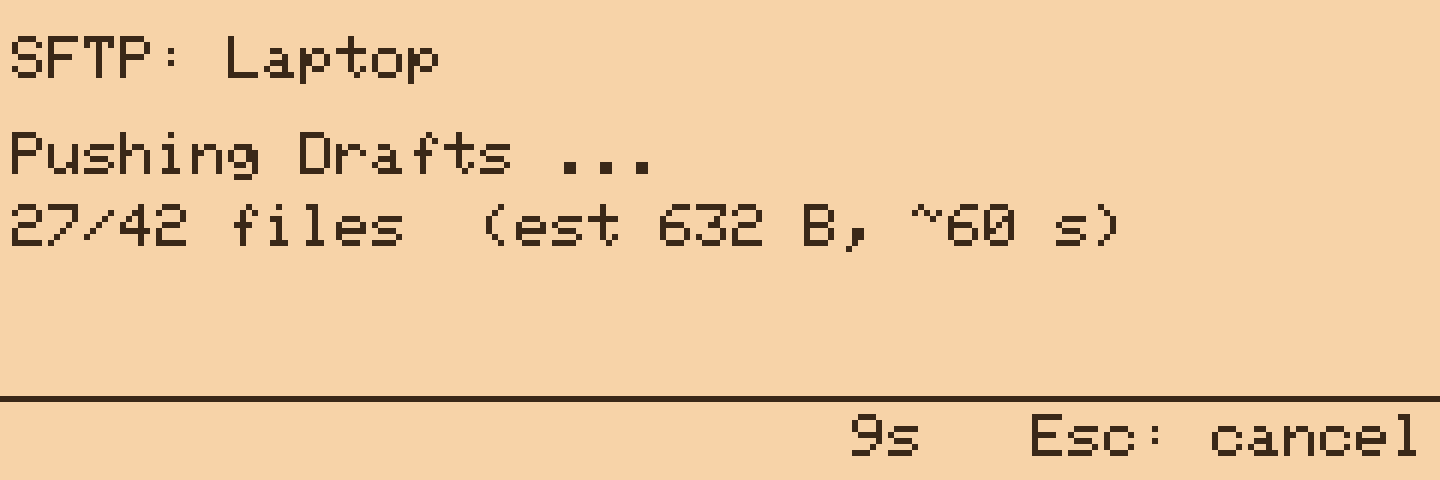
Before it starts, the screen estimates the size and time from the number of files and bytes in the project, then counts files as they go. Esc stops waiting; the push carries on in the background and the LED reports the result. Ten minutes is the limit.
SFTP servers are configured in /git/sftp.conf; see Configuration. Any OpenSSH server works, including the one built into macOS (System Settings > General > Sharing > Remote Login) and a Raspberry Pi in the cupboard.