Git Sync
Synchronise > Git lists the projects from remotes.conf. Pick one and you get two verbs.
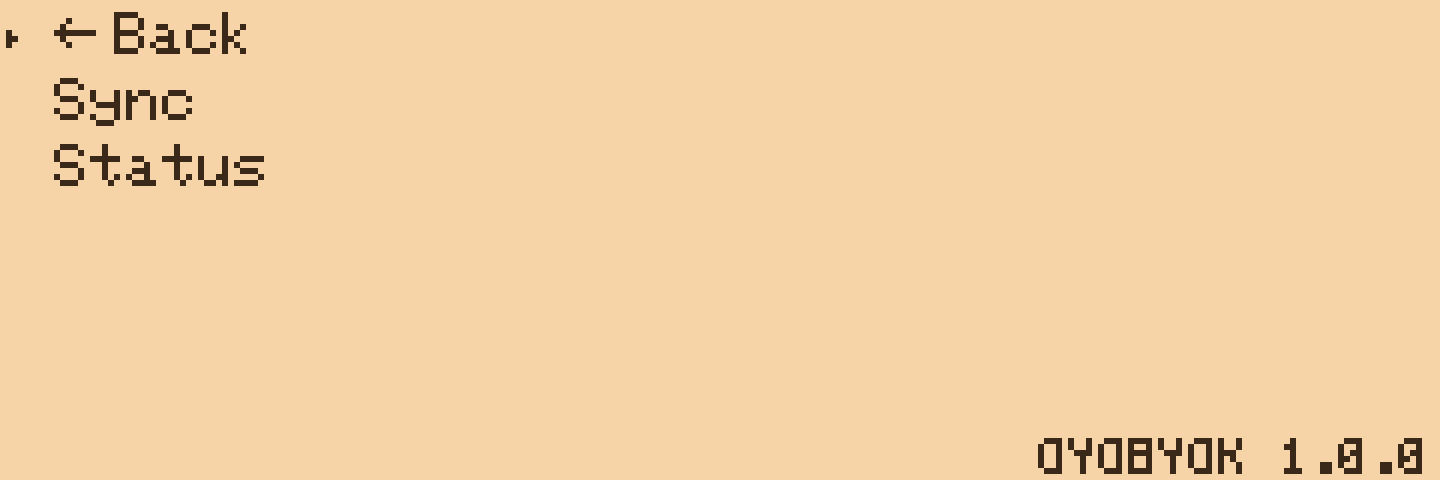
Sync
Sync commits whatever changed on the device (the message is oyobyok: update from device on <date>), fetches, rebases your commits on top of the remote, and pushes. That is the whole round trip, and it either completes or leaves the repository exactly as it found it.
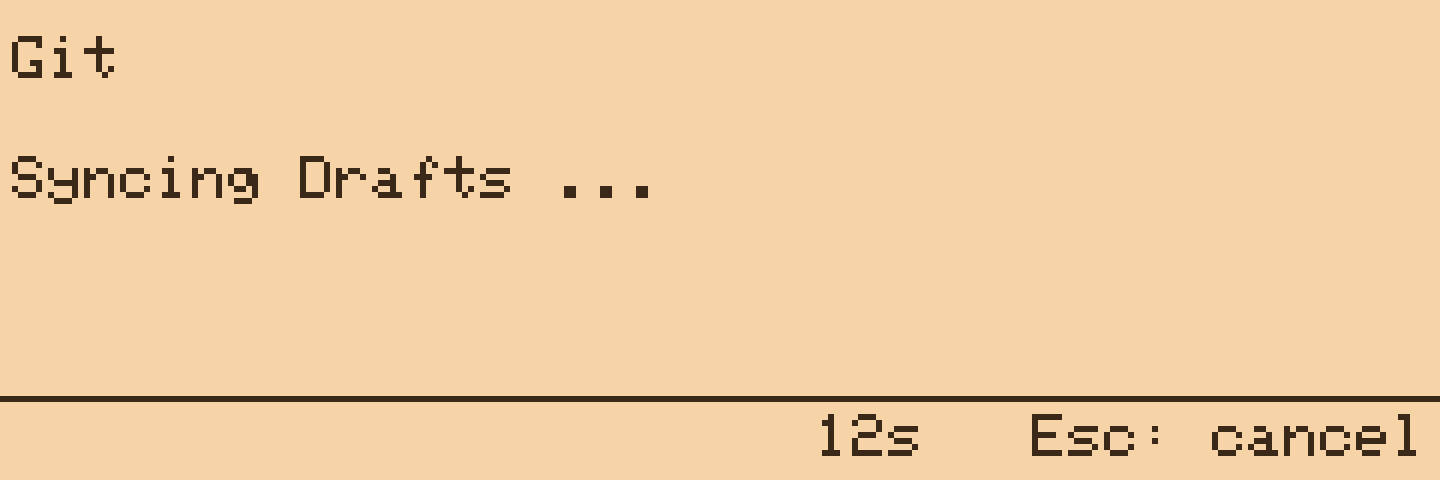
The screen shows an elapsed counter while it works. Esc stops waiting and lets the sync finish in the background; the LED shows the result either way, a green flash for success and a red blink for failure. Enter is ignored while it is running so a stray key cannot dismiss it early. Sync gives up after five minutes.
A project that exists in remotes.conf but not yet under /projects is created and initialised on the first Sync. If the remote already has history, that first Sync pulls it down; if the remote is empty, the first Sync pushes whatever is in the folder.
Status
Status fetches and shows how many commits you are ahead and behind, and how many files have changed locally since the last commit.
Conflicts
If the same lines changed on both sides, the file on the device ends up with both versions between <<<<<<< and >>>>>>> markers, committed and pushed like that. Nothing is lost and nothing is asked of you on the device; open the file on a computer, keep the half you want, commit. Files that changed on only one side merge cleanly, as does the same file edited in different places.
This is deliberate: edit on a bigger machine whenever you like, and a quick writing session on the device still sends everything you wrote up with one Sync.
There is no conflict screen. Sync's only job is to leave the remote holding everything the device has, and the markers are how it does that when the two sides disagree.
Commits
Commits are signed with the name and email from the [identity] section of remotes.conf. Without one they are signed as OYOBYOK with a placeholder address, which works but is not very you. The date comes from the network clock, which the device sets as soon as WiFi is up; a sync that starts before the clock has arrived waits a few seconds for it.
Hosts
Any Git host that speaks SSH: GitHub, GitLab, Gitea, Forgejo, a bare repository on a machine of yours. The server's host key is trusted on first use. The repository must accept pushes from the key you put on the card; on GitHub that means a deploy key with write access, or a key on your account.