Disk Mode
From the main menu. The SD card appears on your computer as a drive named OYOBYOK Disk. Copy files either way, then eject on the computer, unplug the device, and power it off and on again.
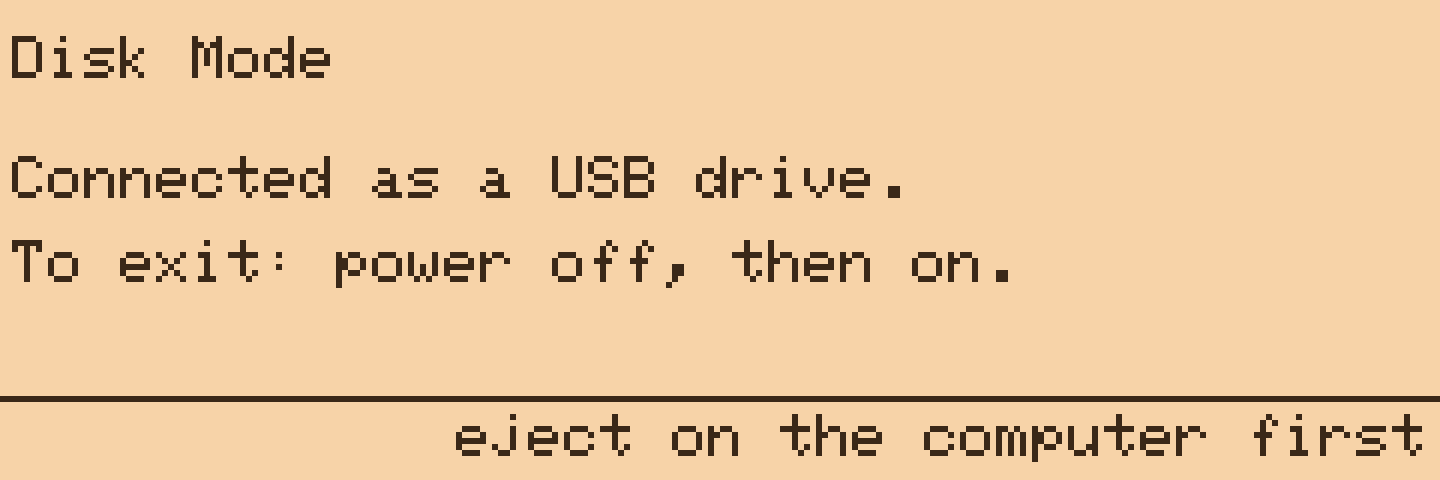
While in Disk Mode the buttons do nothing and the serial console is gone, both on purpose: the ESP32-S3 has one USB PHY, and Disk Mode hands it from the serial console to USB mass storage. A soft reset does not hand it back, which is why the way out is a power-cycle. On the dock the USB power keeps the board alive, so it has to be unplugged first; on battery, hold POWER until the screen goes dark.
This is also how configuration gets onto the card: keys, remotes.conf and sftp.conf all go into /git, and Configuration describes each file.