SFTP
For when you would rather have the files land on a machine of yours than in a repository. Synchronise > SFTP has two rows: Serve makes the device an SFTP server, so a laptop can browse and copy the projects; Send pushes a project, a folder or a single file to a server of yours.

Serve
Serve starts an SFTP server on the device, on port 22, and shows the address to connect to. Any SFTP client works: the sftp command, Cyberduck, ForkLift, Transmit, or scp. The user name is ignored; the key is what counts.
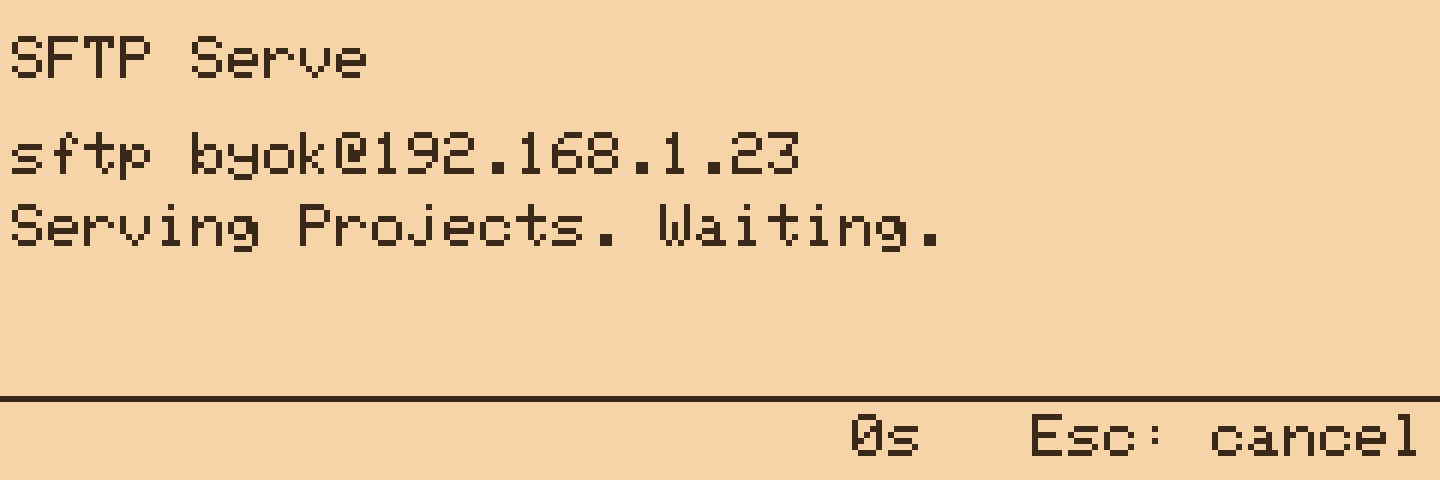
sftp -i ~/.ssh/oyobyok_rsa byok@192.168.1.14
The device trusts its own key pair, so the private half of the key you made for it, which is still on your machine, logs you in. More keys can be listed in /git/authorized_keys on the card, one per line in the usual OpenSSH form; ed25519, ECDSA P-256 and RSA keys all work.
The whole Projects folder is served as /, read and write, so you can pull drafts down or drop files in. One client at a time. Esc stops the server and reports how many files were opened. WiFi stays up for as long as it serves.
The device makes itself a host key the first time it serves and keeps it at /git/keys/host_ecdsa, so your client sees the same fingerprint every time. The connection uses ECDH and ECDSA on P-256, AES-128 in counter mode and HMAC-SHA-256, which every OpenSSH client accepts by default.
Send
Send shows one row per server in sftp.conf. Pick a server, then a project, then either Whole project, a folder inside it (This folder once you are in one), or a single file. Whatever you picked is uploaded under remote_path/<project>/... on that machine.



Directories are created as needed, files are added or overwritten, and nothing is ever deleted on the server. The host key is trusted on first connection and remembered in /git/known_hosts.
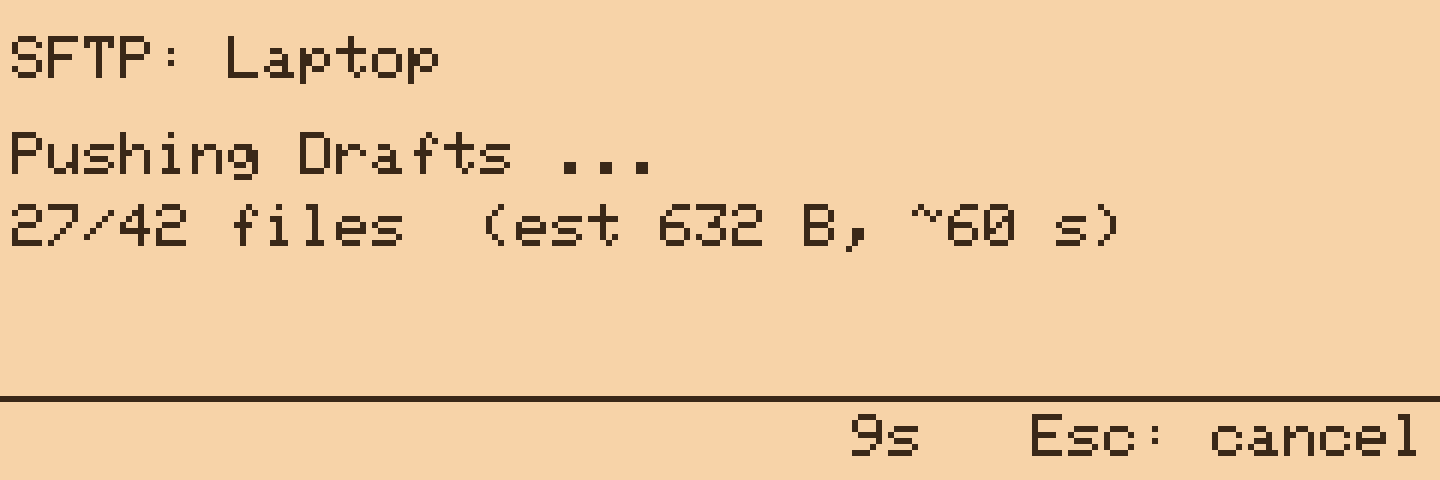
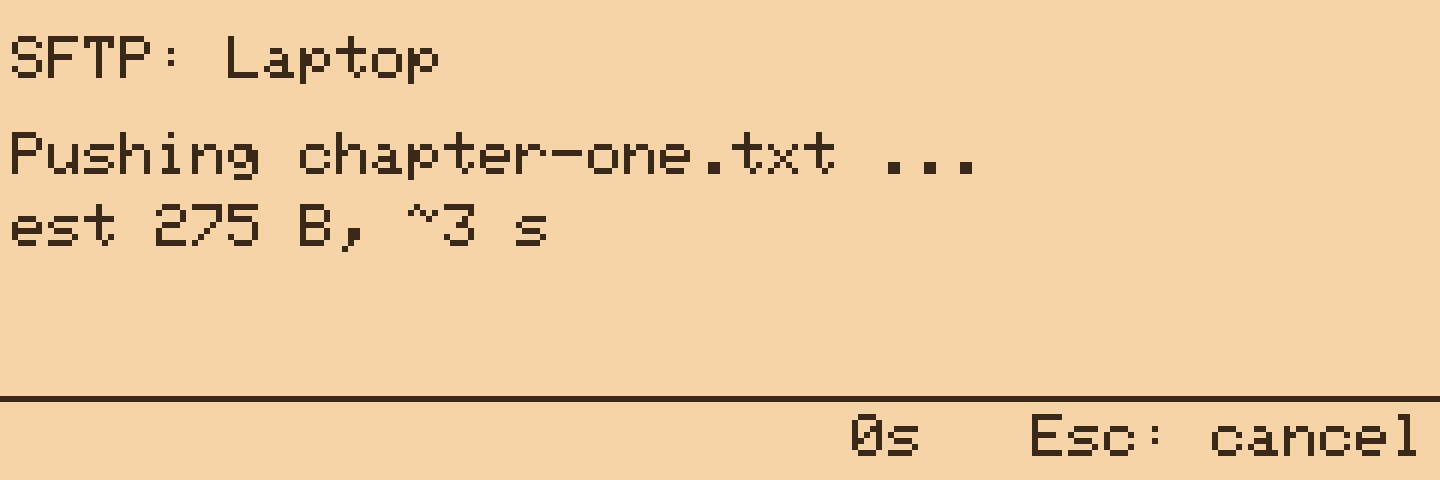
Before it starts, the screen estimates the size and time from the number of files and bytes, then counts files as they go. Esc stops waiting; the push carries on in the background and the LED reports the result. Ten minutes is the limit.
SFTP servers are configured in /git/sftp.conf; see Configuration. Any OpenSSH server works, including the one built into macOS (System Settings > General > Sharing > Remote Login) and a Raspberry Pi in the cupboard.