Alternative firmware for the BYOK writing device
OYOBYOK
Own Your Own Bring Your Own Keyboard.
The same lovely little device, with your own plumbing underneath. Your drafts go to a Git remote you control, signed with a key you made, one commit per session. No account in between you and your files.
Before You Flash
Use it if you already keep your writing in Git or on a server you run, and you want the device to speak to that and nothing else. It is a firmware for people who like owning the plumbing.
Skip it if the Studio app and its sync are part of why you bought the device. The stock firmware does those well, and OYOBYOK does not do them at all.
Your call. Flashing replaces the stock firmware and may cost you the warranty and support that came with the device. Read what you agreed to when you bought it, and decide for yourself.
What It Does Differently
- Git over SSH
- Each session is a commit on a remote you run, signed with your own key.
- SFTP
- Or push the projects to any SSH server you already have.
- WiFi only while syncing
- The radio stays off while you write and comes up for the Synchronise page.
- Folder navigation
- Files and folders you move through, instead of one project held open the whole time.
- Manage mode
- Rename, move and delete files and folders on the device itself.
- Keyboard support
- Only wireless keyboards are tested so far; USB keyboards are not supported yet.
- Status LED
- Diverse states for charging, saved, syncing, keyboard connected, and more.
- Open source
- C on ESP-IDF, MIT licensed, written from scratch.
On the Screen
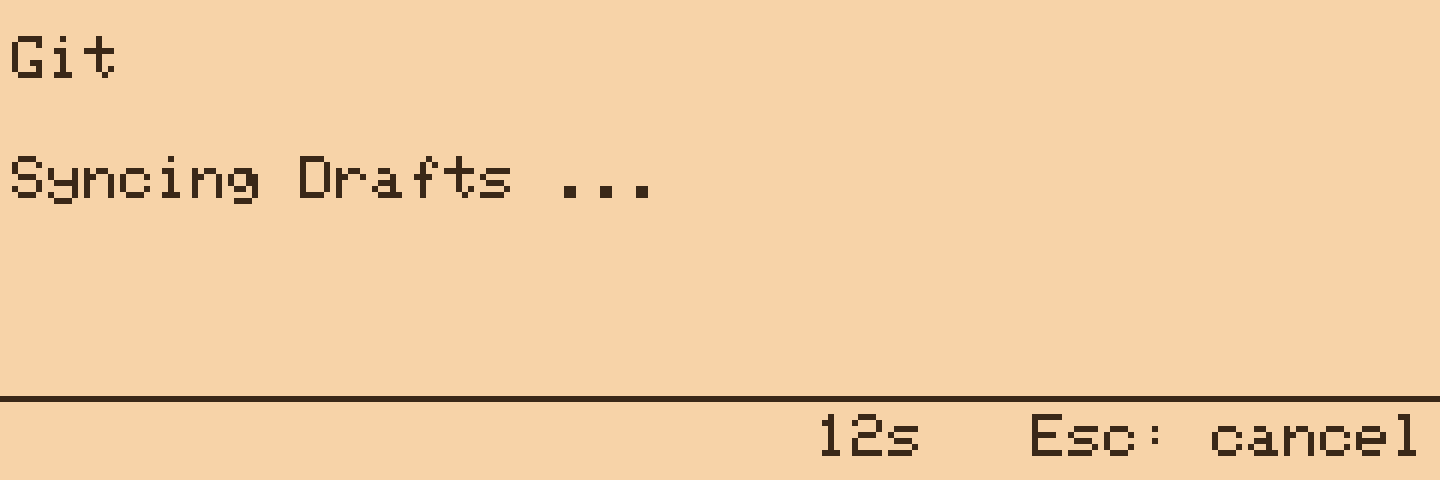
Sync: commit, fetch, rebase, push 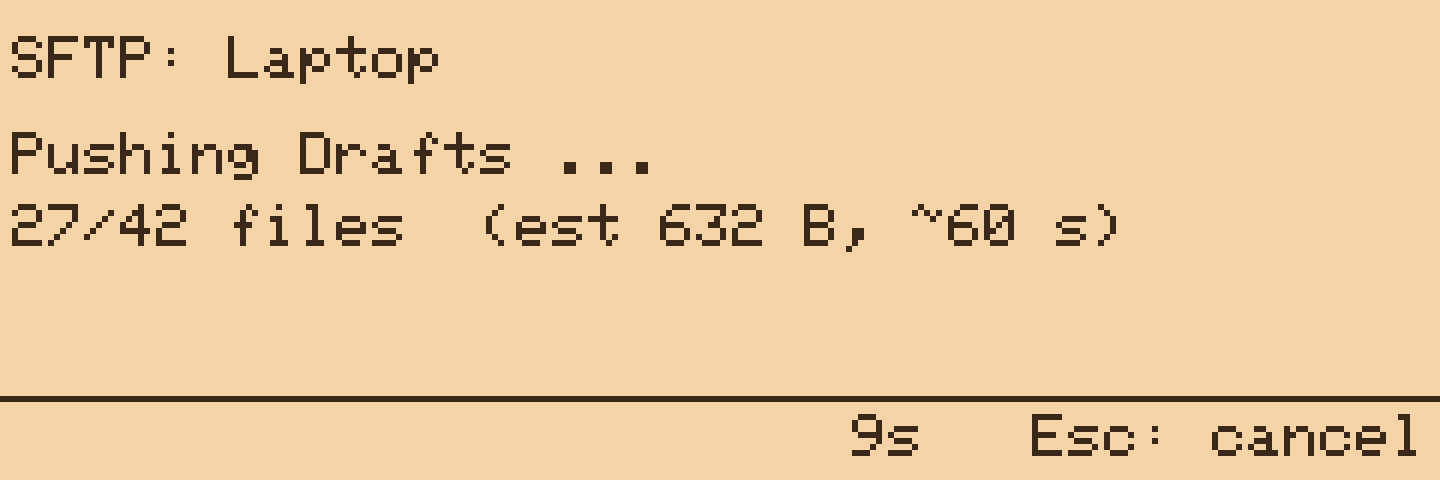
SFTP push to your own server 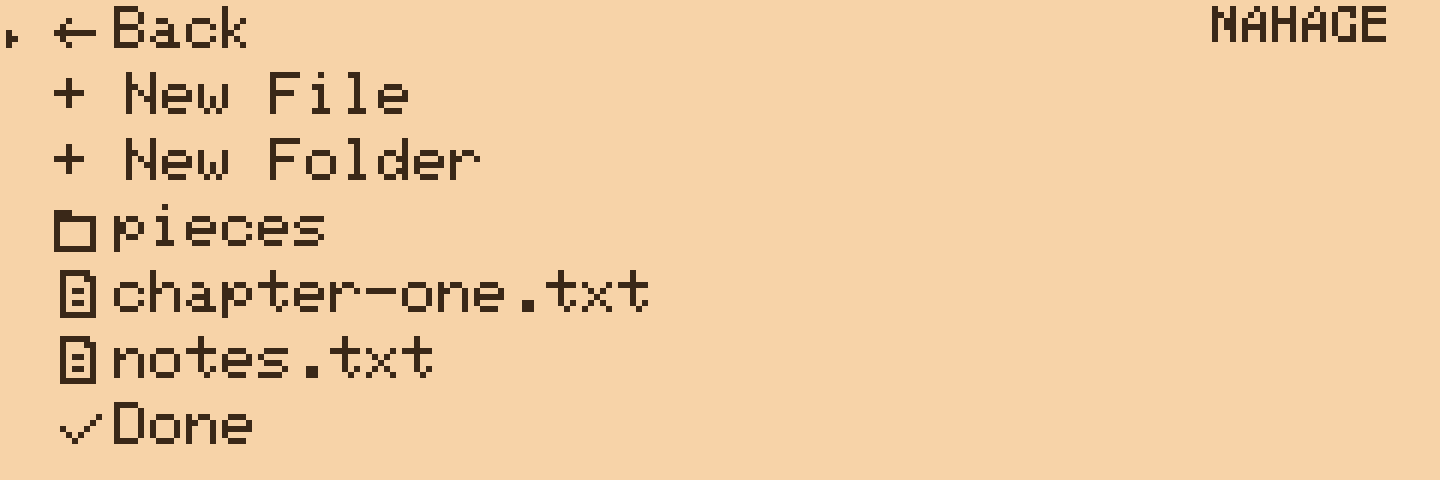
Manage mode on the device 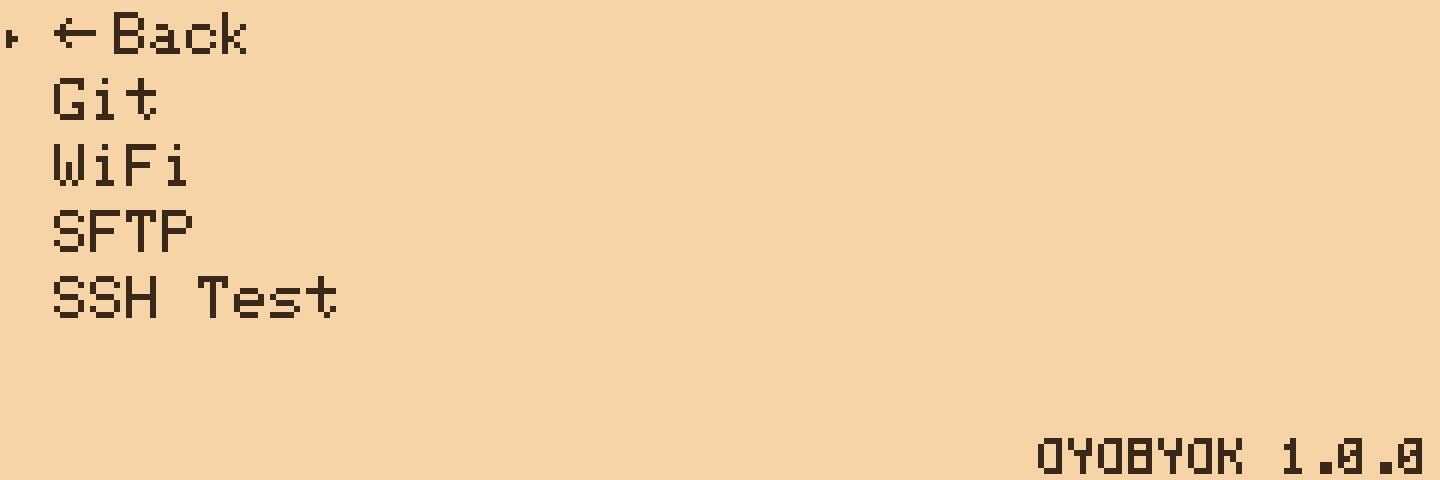
The Synchronise page, where WiFi lives
Released under the MIT License. Backed by the Dimwit Pledge.
BYOK is a trademark of BYOK. OYOBYOK is an independent project with no affiliation to them, written with a lot of affection for their hardware. Flashing replaces the stock firmware and is your own decision. It has been tested on exactly one device. The device on this page is drawn from the case model BYOK publishes.